
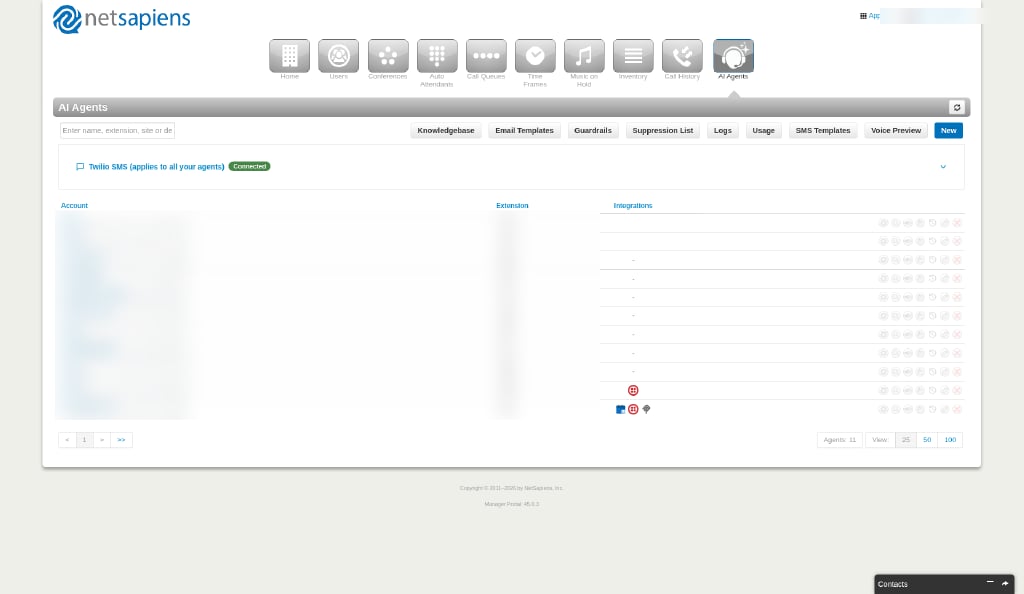
Toolbar
The buttons above the list open the organization’s pages:
Use the search box on the left to filter agents by name, extension, site or description. The refresh icon at the top right reloads the list.
Twilio SMS panel
The Twilio SMS (applies to all your agents) panel above the list shows whether your organization’s Twilio account is connected. Expand it to set it up. See Twilio SMS.Columns
- Account — The agent’s name, with its agent ID underneath.
- Extension — The agent’s extension
- Integrations — Icons for the integrations connected to the agent